

Warming up your workspace...

A focused workspace for WhatsApp conversations and workflows

Explore the platform

WhatsApp customer communication

Manage WhatsApp conversations in one place.

Bring customer chats, contact lists, campaigns and practical automations into one workspace built around WhatsApp.

Connect your WhatsApp setup, then manage the work around every conversation.

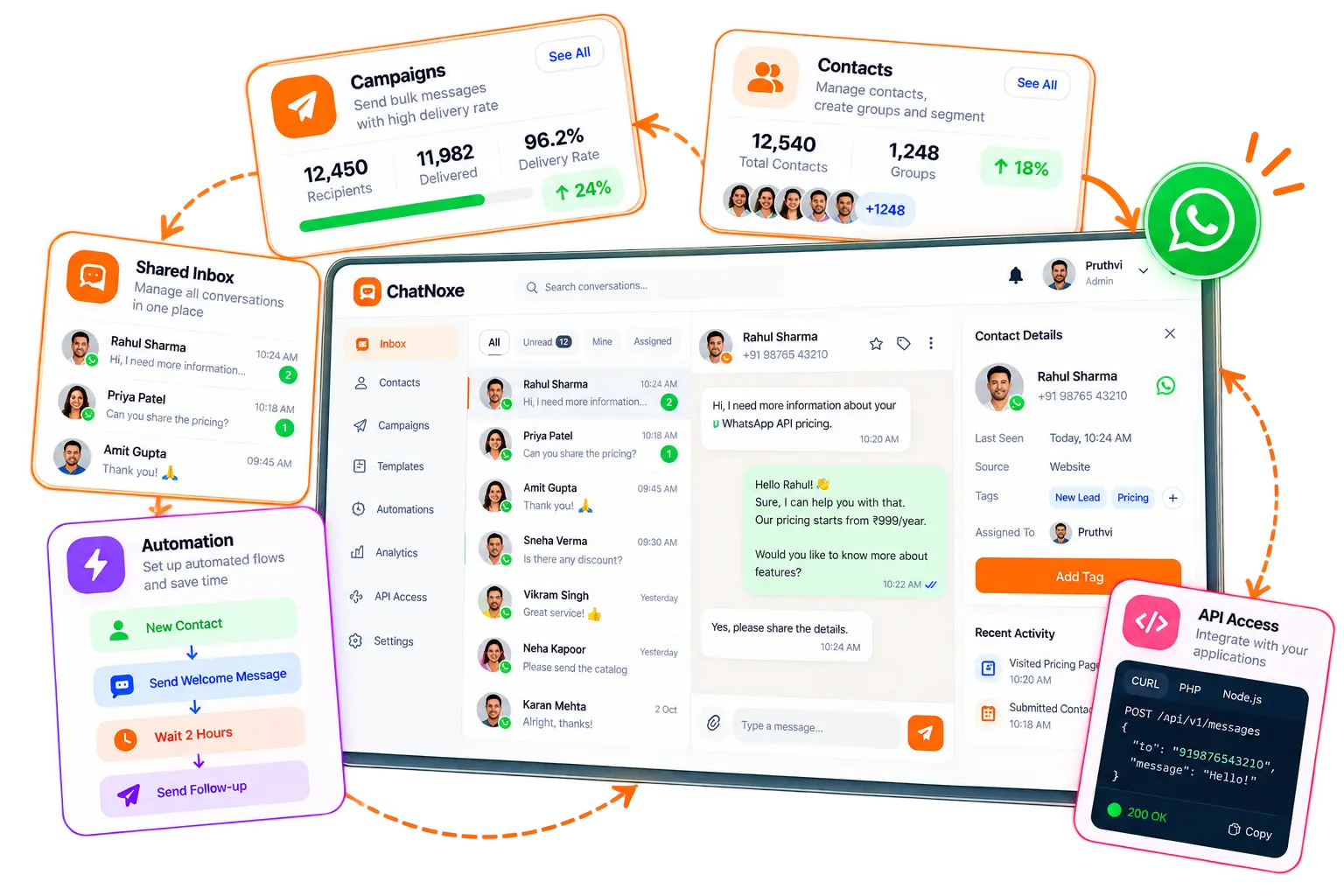
One workspace for chats, contacts and campaigns
ChatNoxe WhatsApp communication platform

A clear path from setup to follow-up

A better rhythm for WhatsApp work.

Keep the essential steps connected, from your WhatsApp setup to the next customer conversation.

  1. 01

    Connect WhatsApp

    Complete the supported account setup in your workspace.

  2. 02

    Organize contacts

    Bring people into lists and keep useful customer details together.

  3. 03

    Manage conversations

    Review chat history, add context and assign chats to teammates.

  4. 04

    Plan follow-ups

    Schedule campaigns and review message status in one place.

One focused platform

The tools around the conversation matter, too.

ChatNoxe brings together the day-to-day building blocks for managing WhatsApp customer communication.

ChatNoxe WhatsApp communication platform

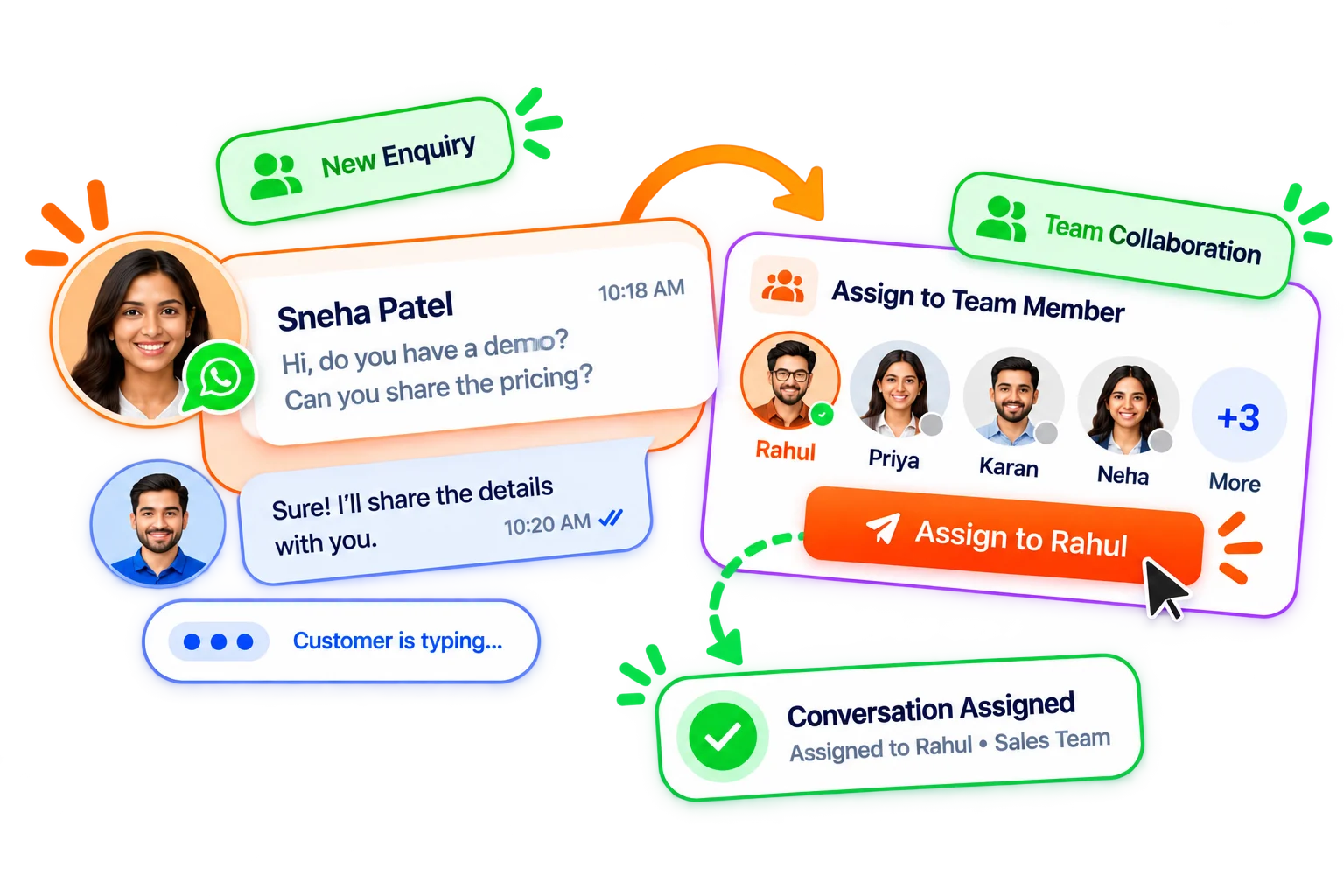
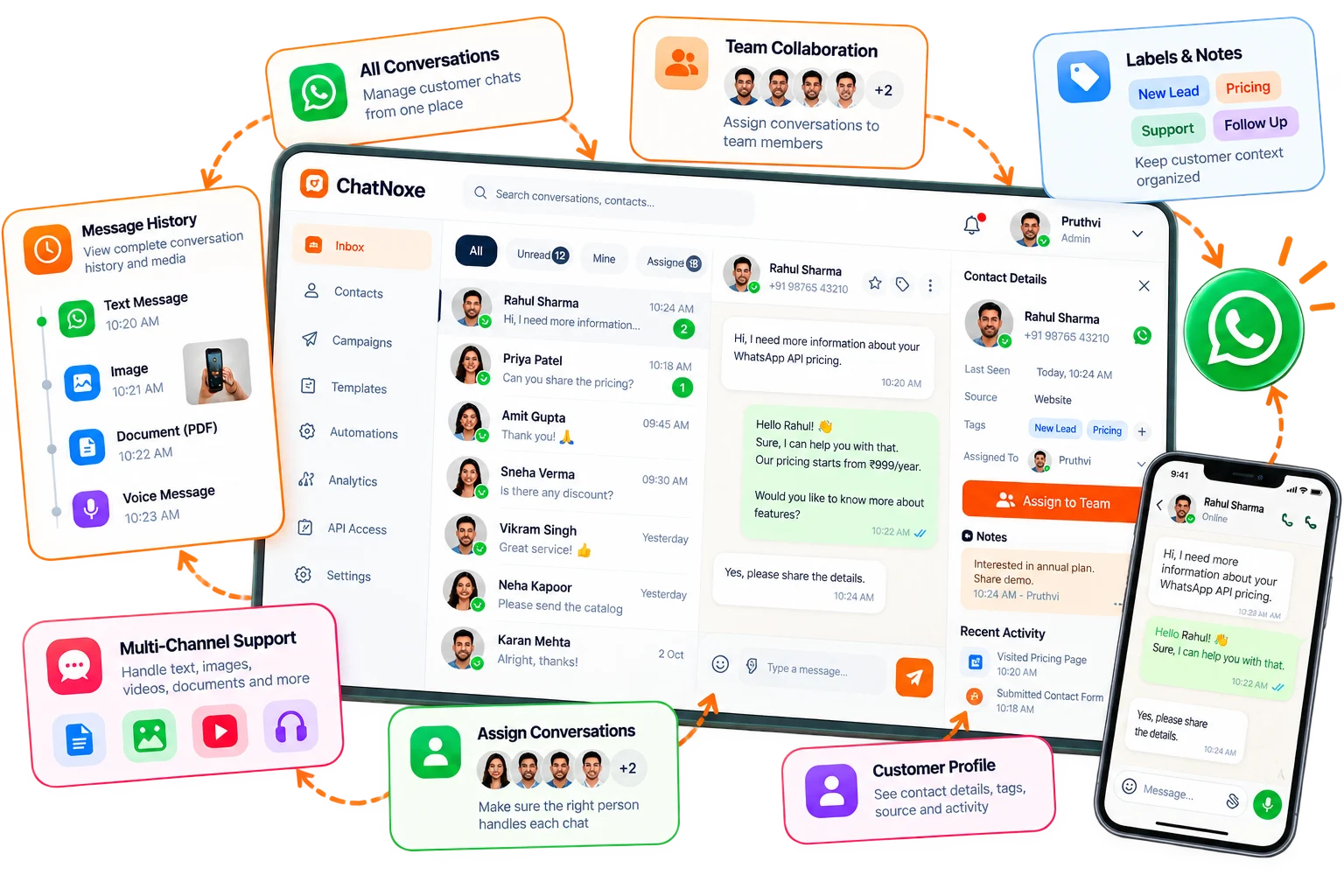
Shared WhatsApp inbox

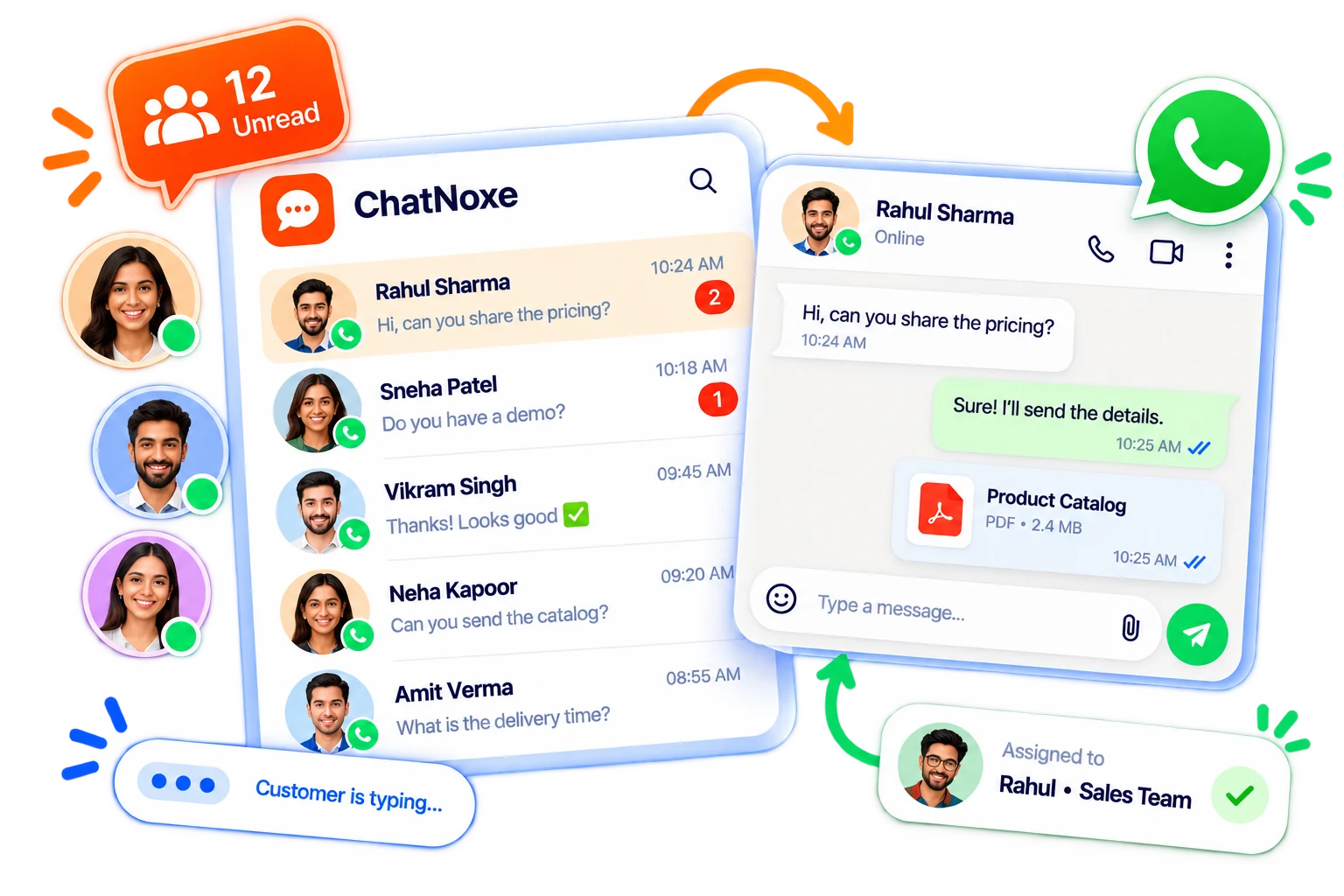
Give every conversation a place to go.

Work through customer chats with their message history and useful context close at hand. Assign conversations so your team knows who is following up.

  • Review conversation history and messages
  • Assign chats to users or agents
  • Use labels and notes to keep context organized
  • Handle supported text and media messages
Explore the inbox
ChatNoxe shared WhatsApp inbox
Conversation history, ownership and team context
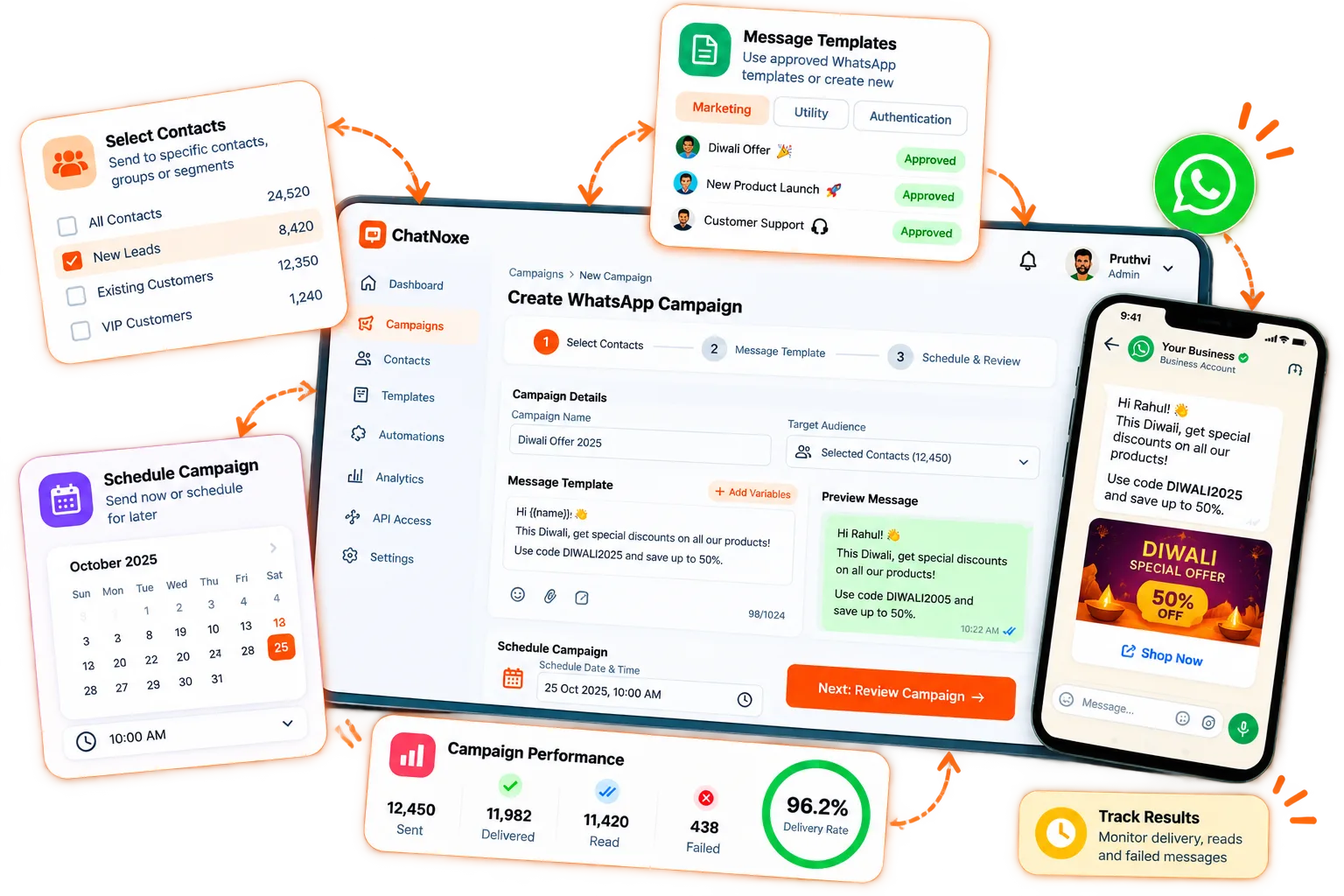
ChatNoxe WhatsApp campaign management
Plan sends and review campaign status

WhatsApp campaigns

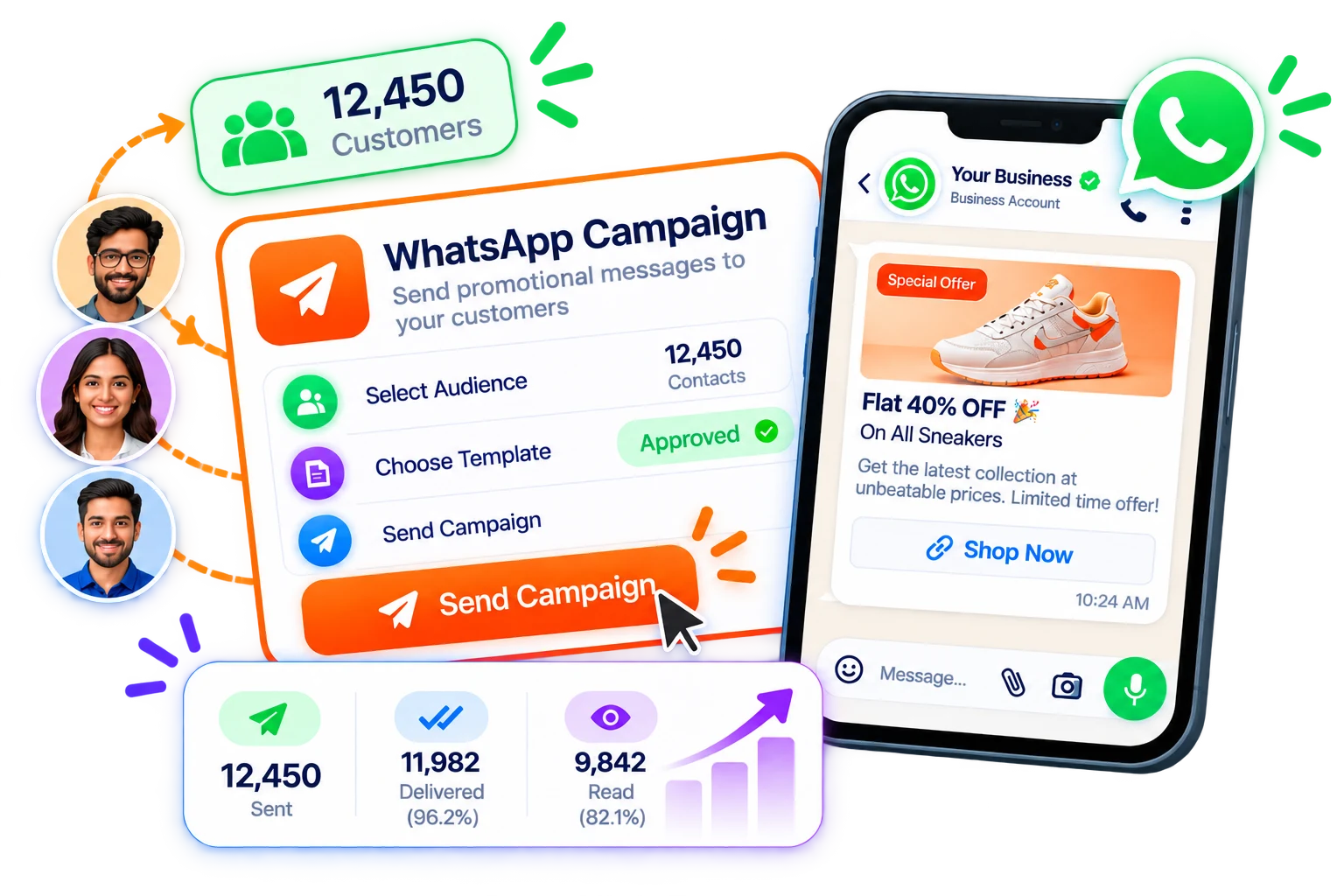
Plan each send. Keep the outcome visible.

Build a campaign for the contacts you choose, prepare the message, and schedule it from ChatNoxe. Then review its status and investigate failed messages.

  • Create and schedule campaigns
  • Use WhatsApp templates where required
  • Review campaign and queue status
  • Inspect failed-message reports
Plan a campaign

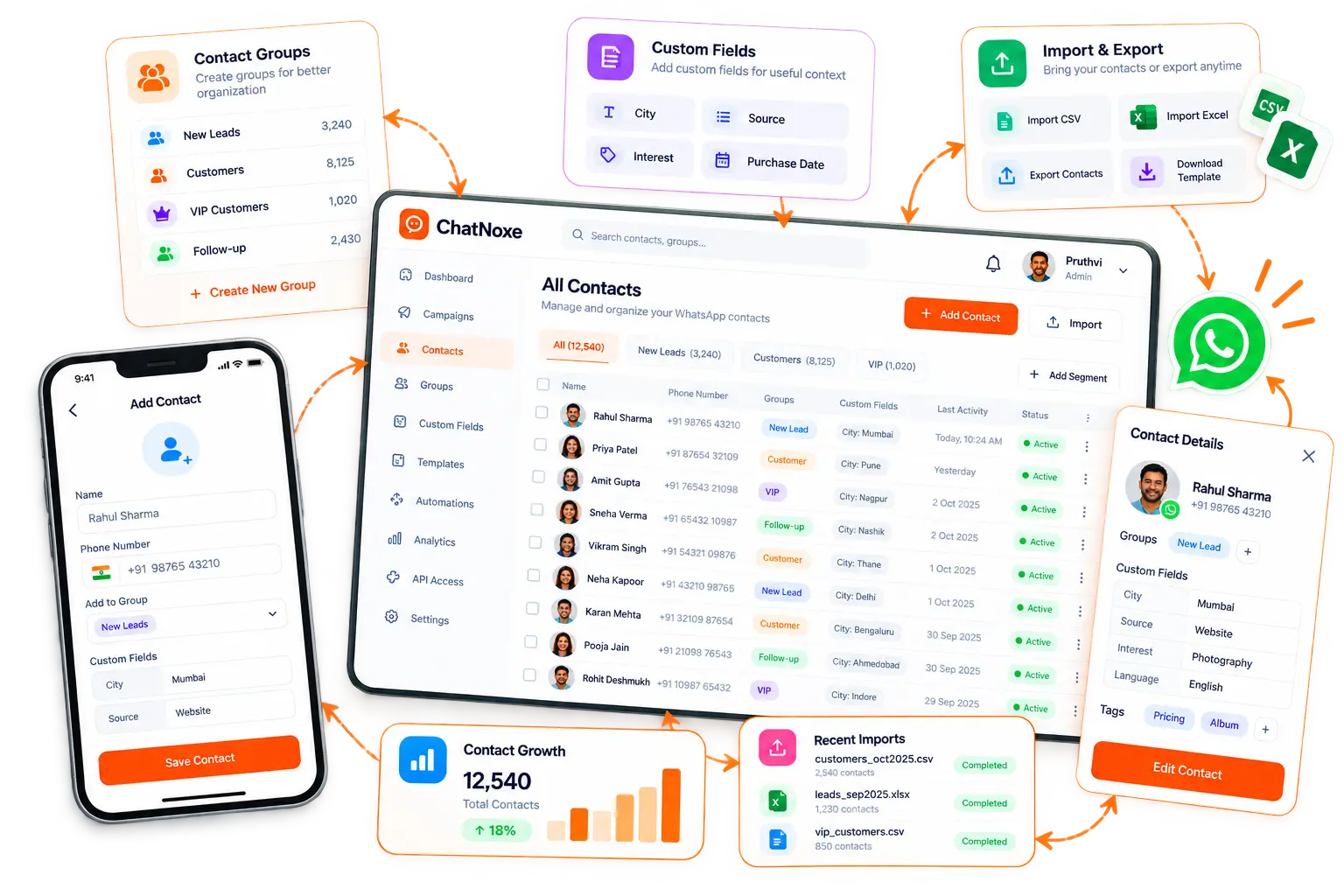
Contacts & groups

Keep customer details ready for the next conversation.

Organize contact records with groups and custom fields, then import, export or update the lists your WhatsApp workflows rely on.

  • Create and organize contact groups
  • Import and export contact lists
  • Add custom fields for useful context
  • Use selected contacts in campaign workflows
Manage contacts
ChatNoxe contact and group management
Contacts, groups and custom fields
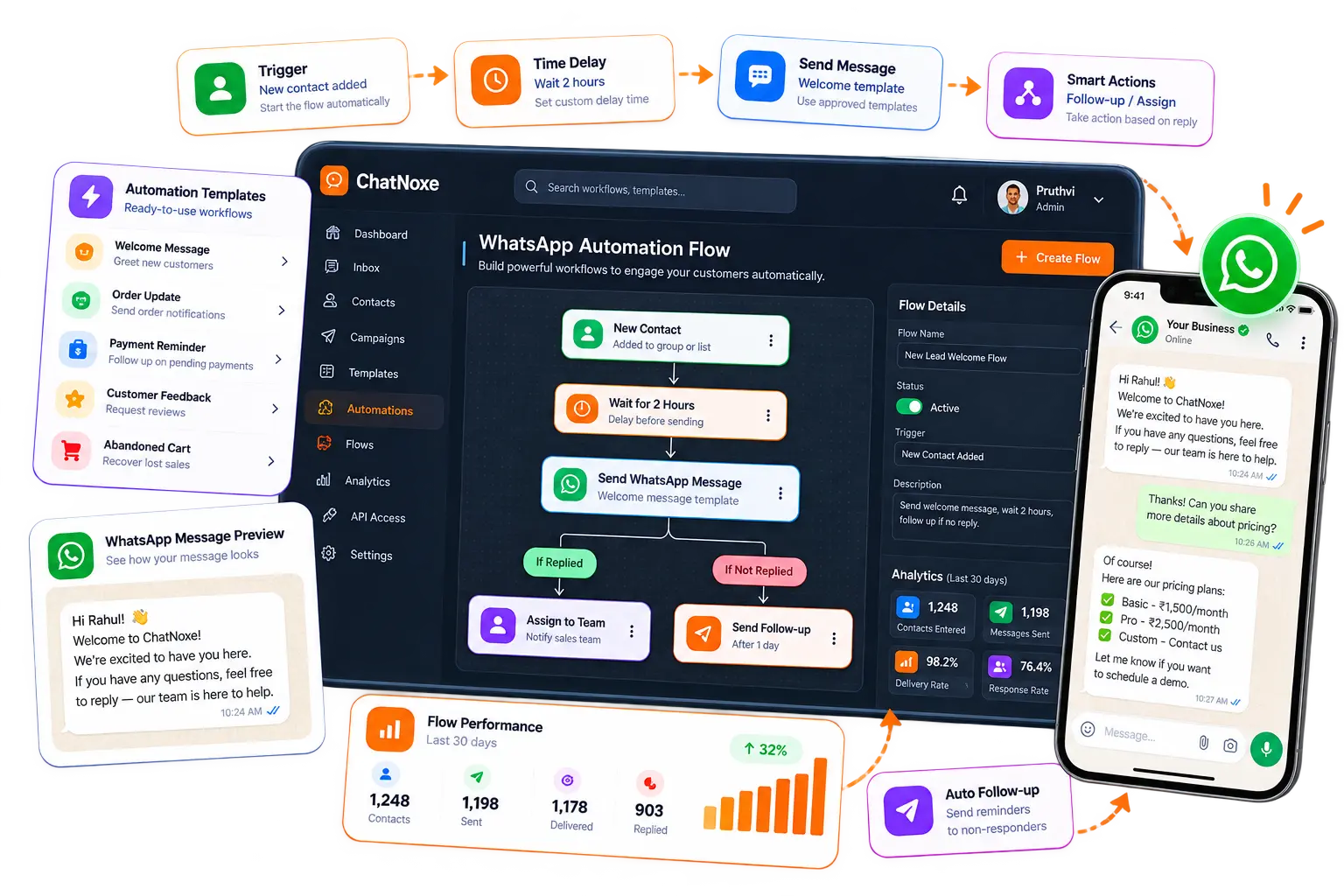
ChatNoxe automation and WhatsApp flow management
ChatNoxe Bot Flows and WhatsApp Flows are distinct capabilities

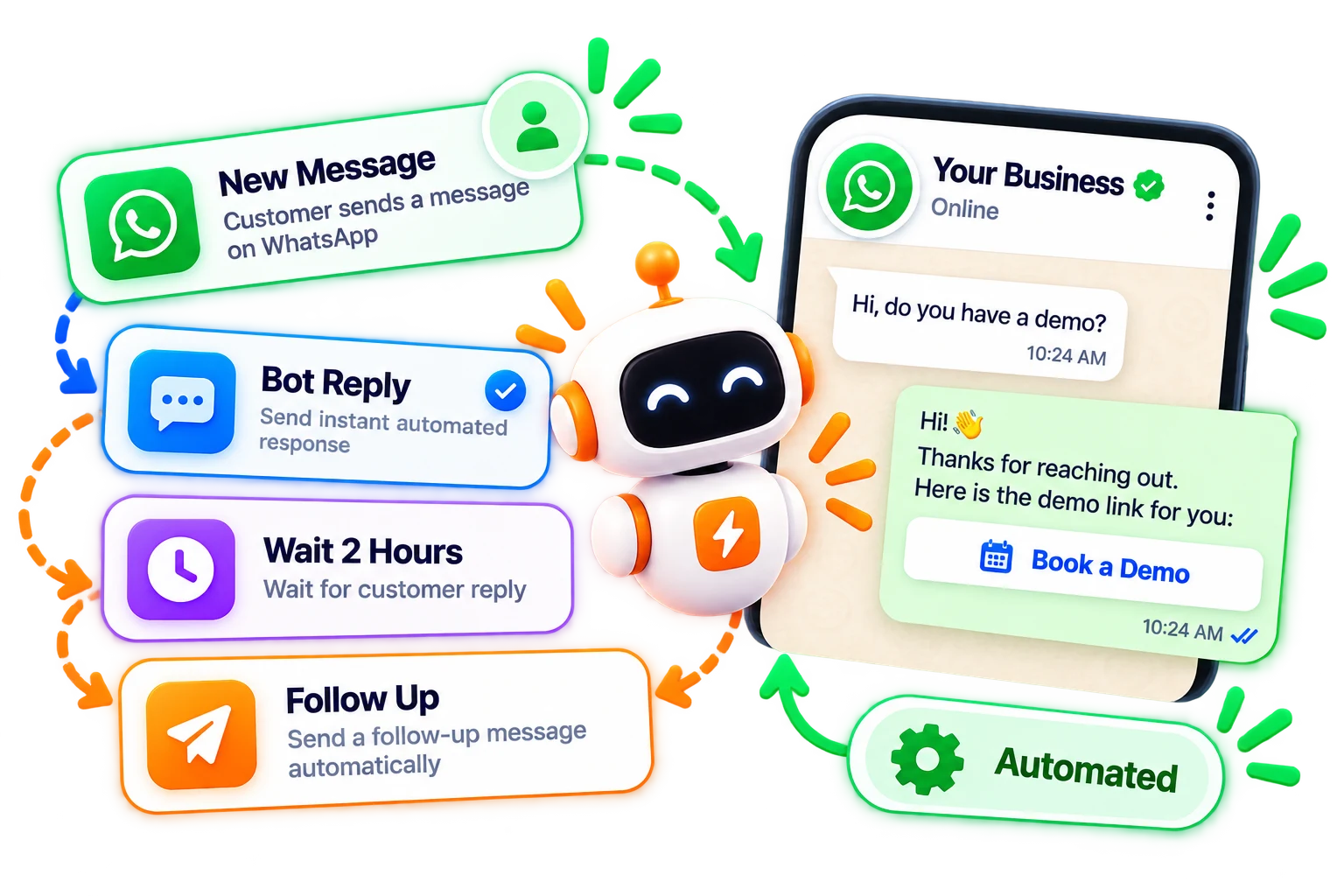
Automation & WhatsApp Flows

Make repeatable WhatsApp work easier to manage.

Set up bot replies and ChatNoxe Bot Flows for repeatable conversation steps. WhatsApp Flows are a separate Meta-supported interactive message capability.

  • Configure bot replies and ChatNoxe Bot Flows
  • Create and manage WhatsApp Flows where supported
  • AI chatbot availability depends on plan and configuration
  • Review the current builder before choosing a workflow
Explore automation

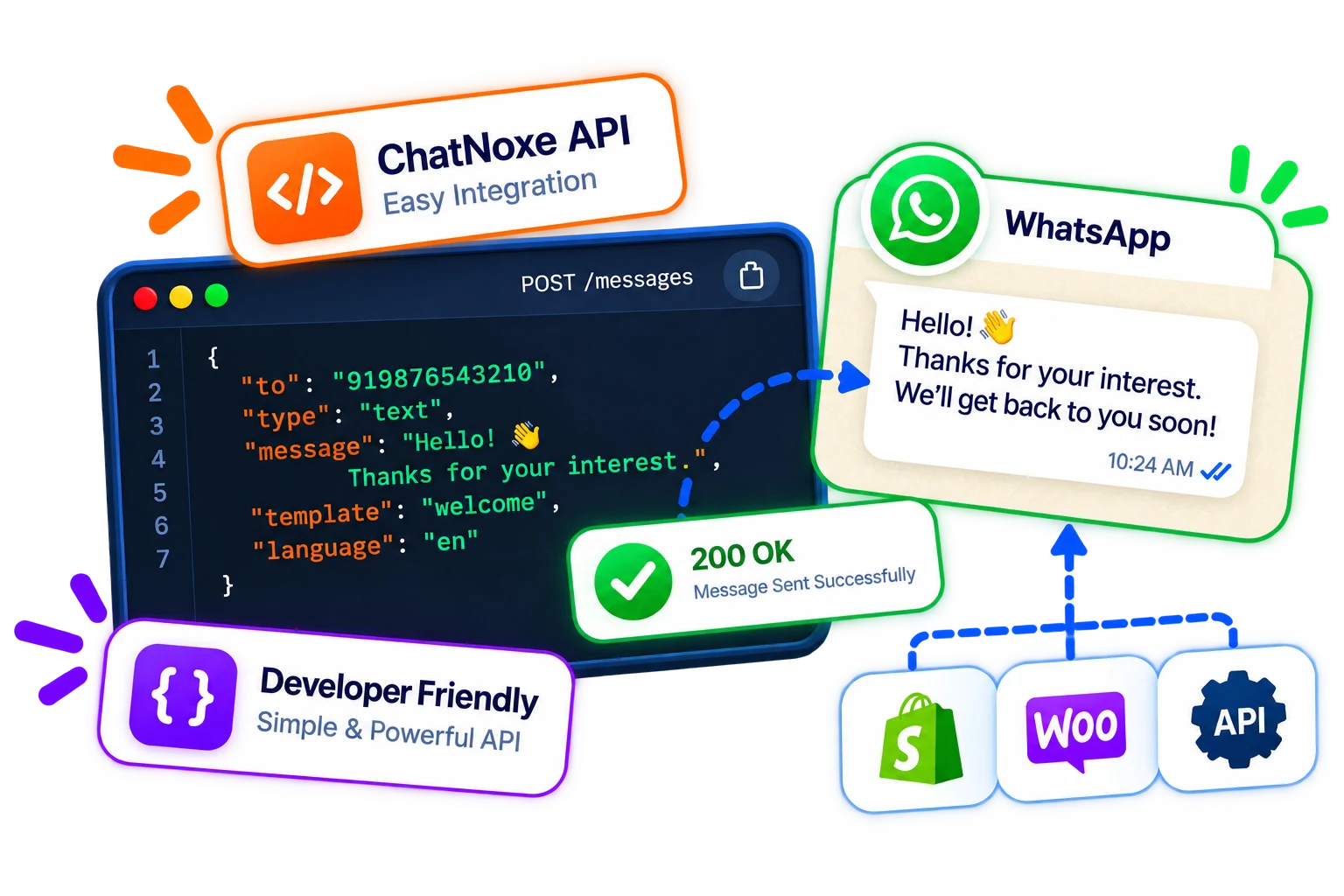
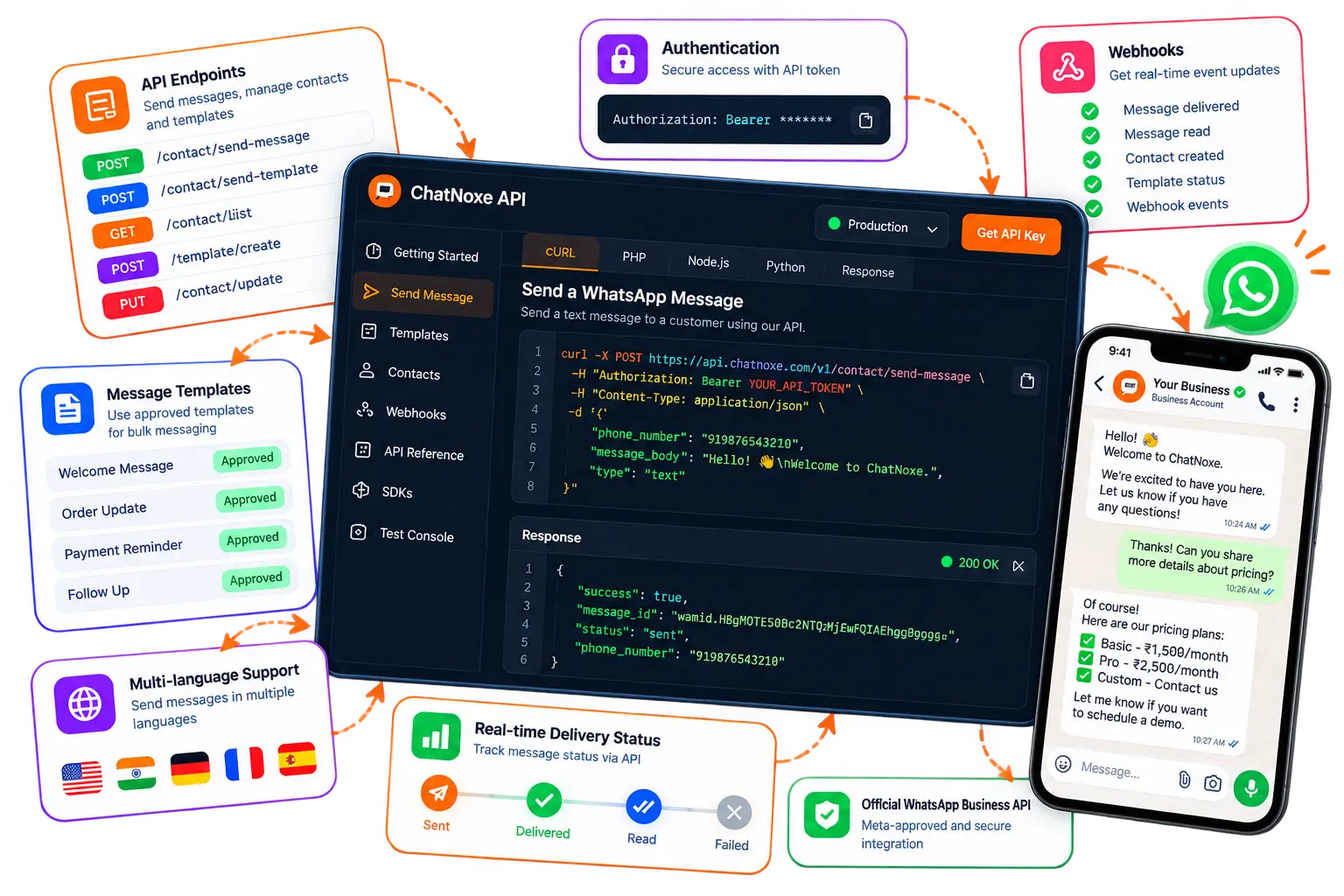
API & developer access

Connect your workflows to WhatsApp messaging.

Plan-dependent API access includes endpoints for sending messages and templates and managing contacts. Access requires your vendor identifier and configured API credentials.

Sign in to manage API access

A public API documentation destination is not currently available.

ChatNoxe API and developer dashboard

One platform, practical workflows

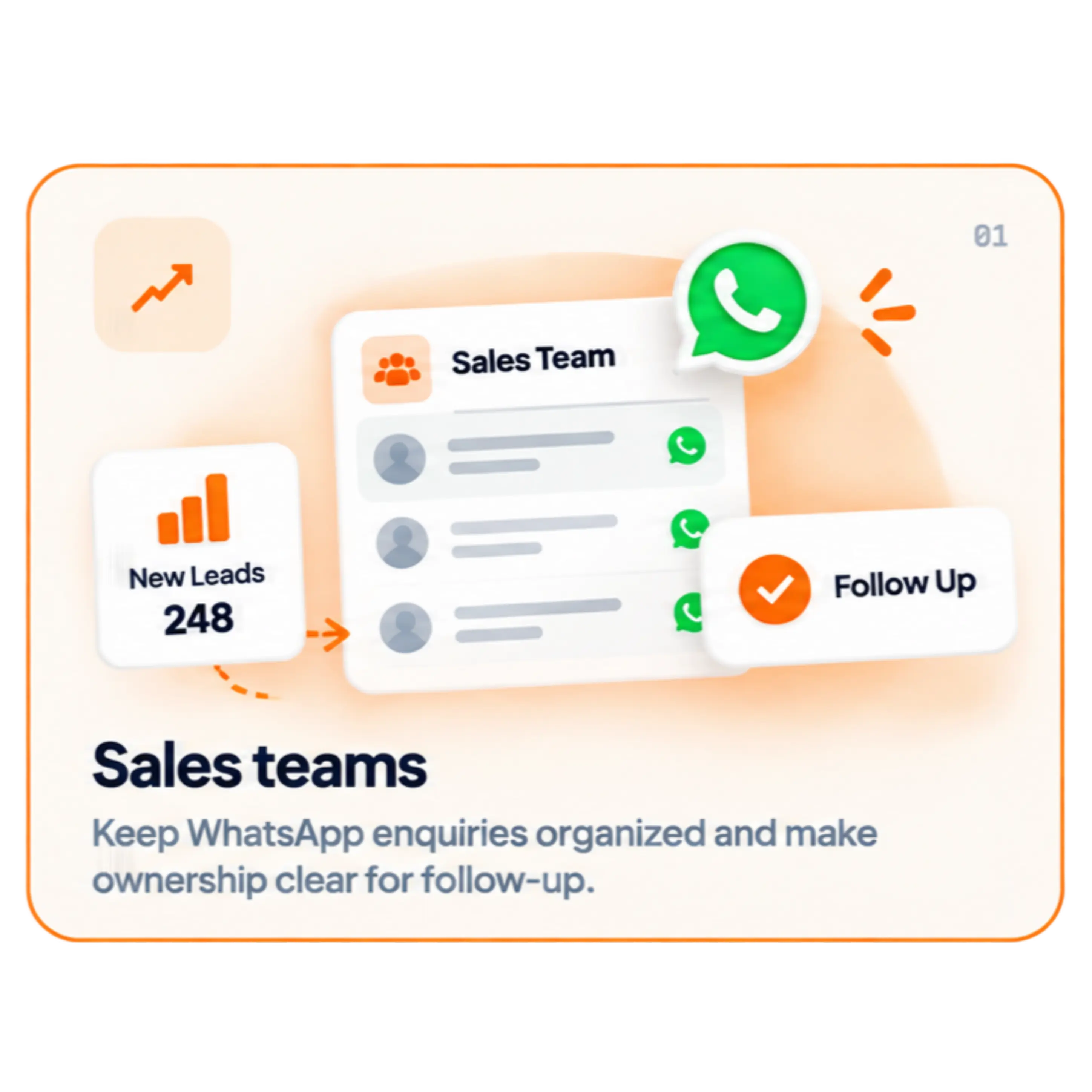
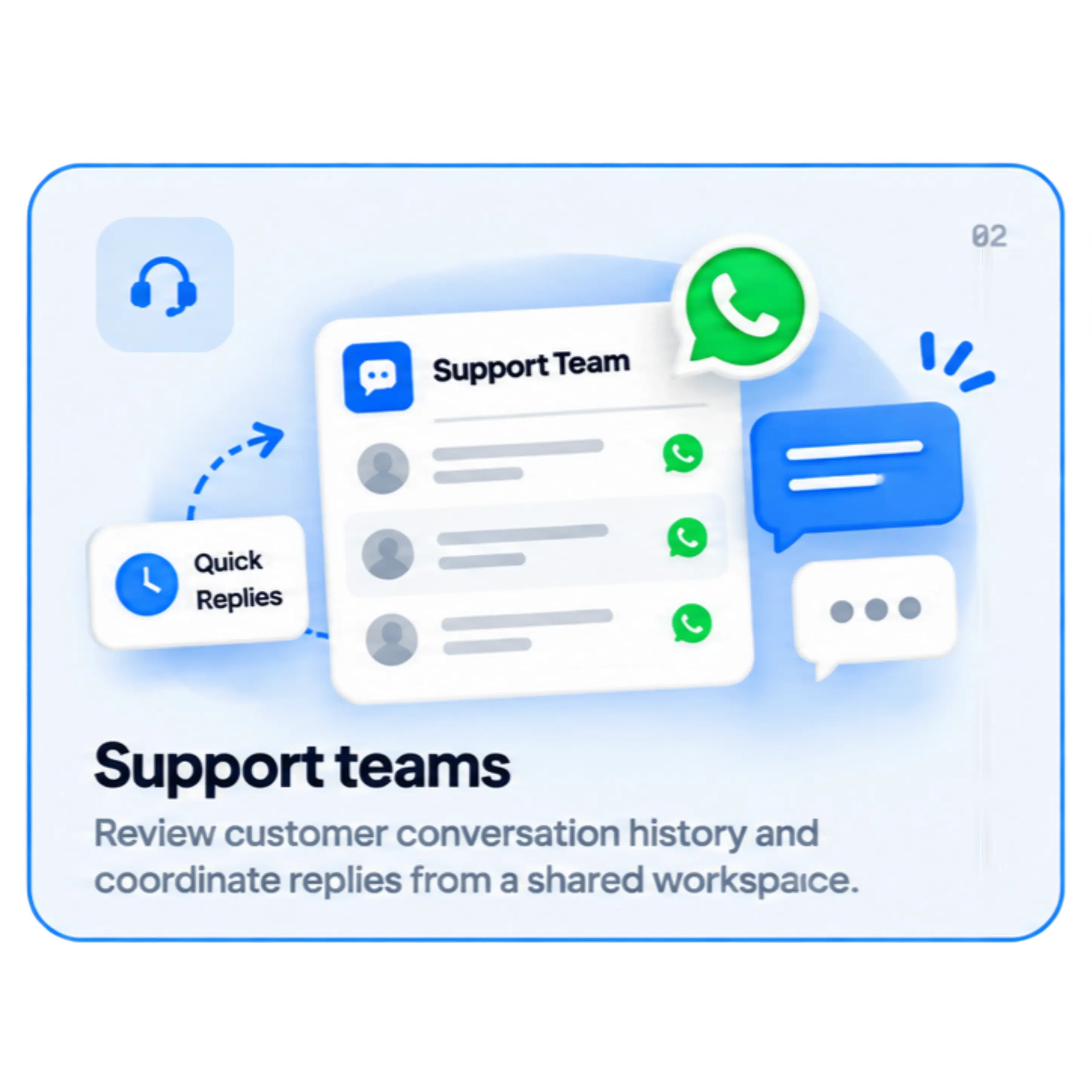
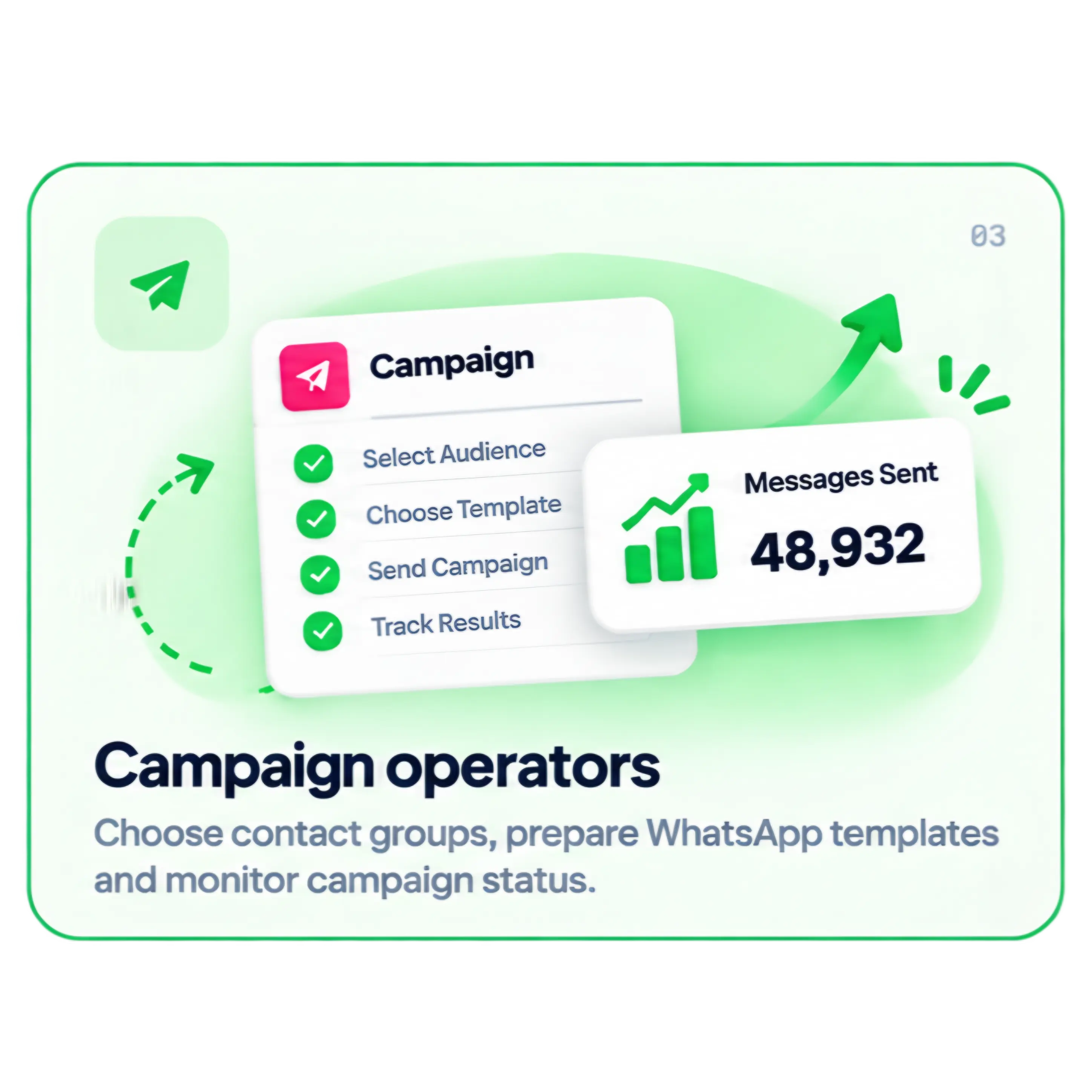
Built for the teams behind the WhatsApp number.

Give different parts of your team a shared way to manage customer communication.

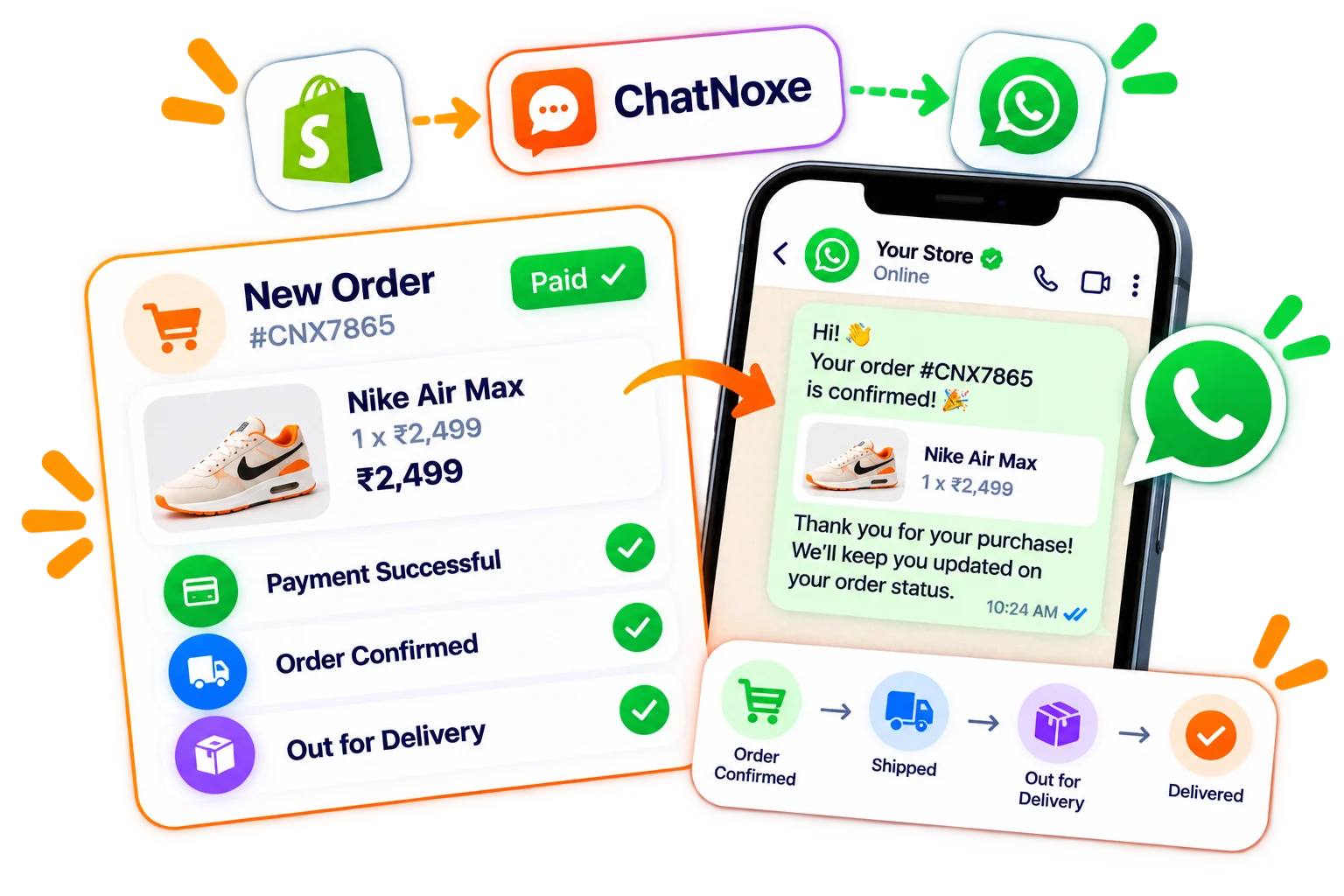
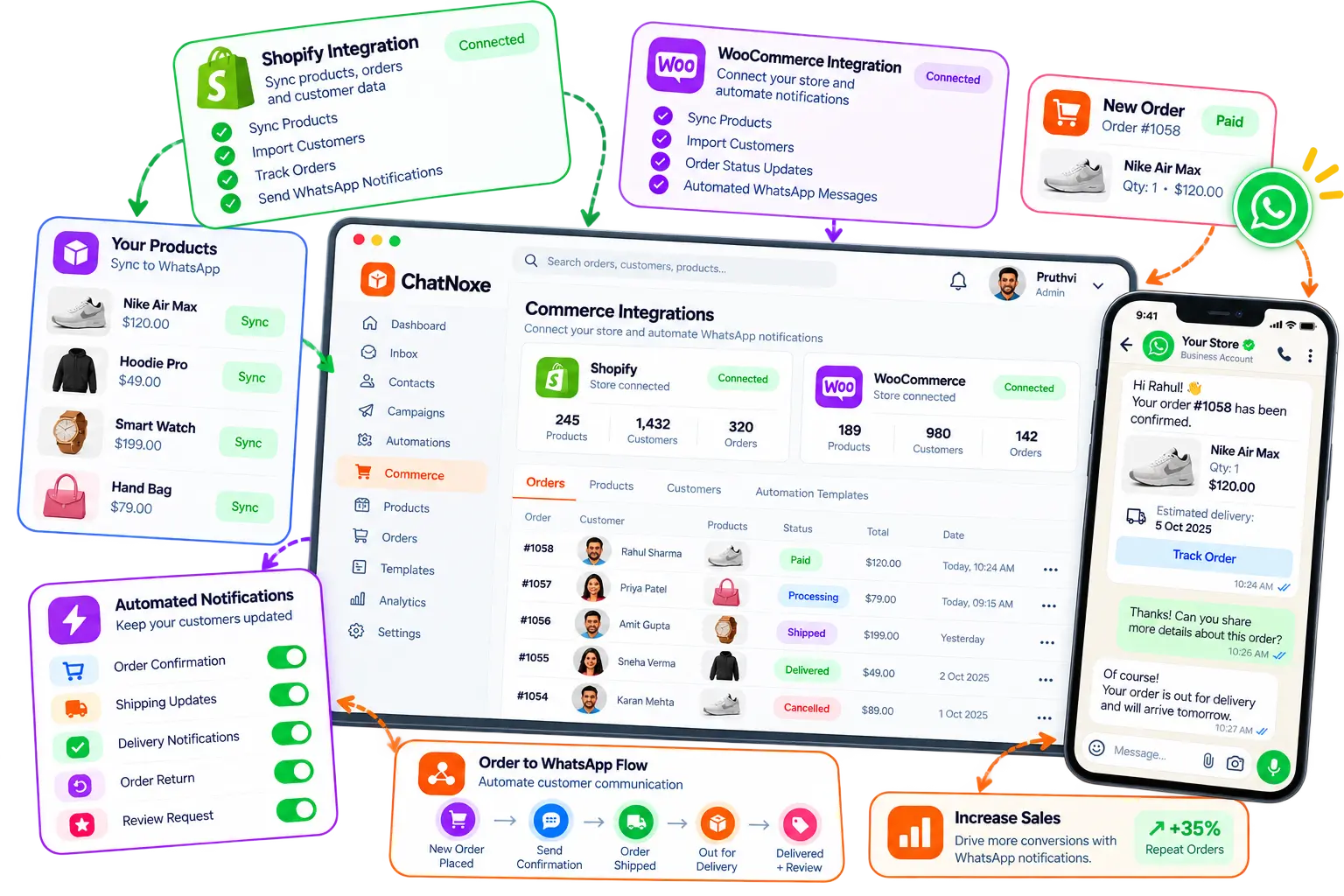
Commerce workflows

Connect store activity with WhatsApp notifications.

ChatNoxe includes Shopify and WooCommerce integration modules for store connection, order activity and WhatsApp template notifications. Setup requires your store credentials and approved templates.

Integration availability and setup requirements depend on your ChatNoxe account and store configuration.

Explore integrations
ChatNoxe Shopify and WooCommerce integration dashboard
Shopify and WooCommerce modules; setup depends on your account and store configuration

Plans that reflect your setup

See what is configured for your account.

Plan names, included limits and prices are shown from the current ChatNoxe configuration.

Premium

₹1,999.00 INR / monthly

Template message charges may apply separately. Meta rates vary by message category and recipient country.

  • Unlimited Contacts
  • 20 Campaigns Per Month
  • 5 Bot Replies
  • 3 Bot Flows
  • Unlimited Contact Custom Fields
  • 3 Team Members/Agents
  • AI Chat Bot
  • API and Webhook Access
Get started

Ultimate

₹3,499.00 INR / monthly

Template message charges may apply separately. Meta rates vary by message category and recipient country.

  • Unlimited Contacts
  • Unlimited Campaigns Per Month
  • Unlimited Bot Replies
  • Unlimited Bot Flows
  • Unlimited Contact Custom Fields
  • Unlimited Team Members/Agents
  • AI Chat Bot
  • API and Webhook Access
Get started

WhatsApp and Meta fees, template requirements and message eligibility are subject to the provider’s current terms and your account setup.

Frequently asked questions

A few useful things to know.

Learn how ChatNoxe works with your WhatsApp account and the features available in the platform.

Still have a question? Contact us

ChatNoxe is a workspace for managing WhatsApp customer conversations, contacts, campaigns, templates and supported automation workflows.

Sign in and follow the WhatsApp setup flow available in your account. WhatsApp account eligibility and setup requirements are determined by Meta and your account configuration.

Templates are structured WhatsApp messages that may be required for certain business-initiated conversations. ChatNoxe can manage templates; Meta controls their review and approval.

WhatsApp/Meta messaging charges are separate from your ChatNoxe subscription. Meta may charge separately for template messages, with rates depending on message category, recipient country and current Meta pricing rules.

ChatNoxe supports assigning chats to users or agents. The number of team members available depends on the plan configured for your account.

API routes are available for sending supported messages and managing contacts. API access depends on your plan and account configuration; sign in to review access settings.

ChatNoxe includes bot replies and Bot Flows, while WhatsApp Flows are a distinct interactive feature. What you can use depends on your setup, plan and provider support.

ChatNoxe includes Shopify and WooCommerce integration modules for store and order workflows. Connecting a store requires account setup and valid store credentials.

Your WhatsApp workspace starts here

Make room for better customer conversations.

Bring your chats, contacts and WhatsApp workflows into one place with ChatNoxe.